The Complete YouTube Thumbnail Size Guide for 2026
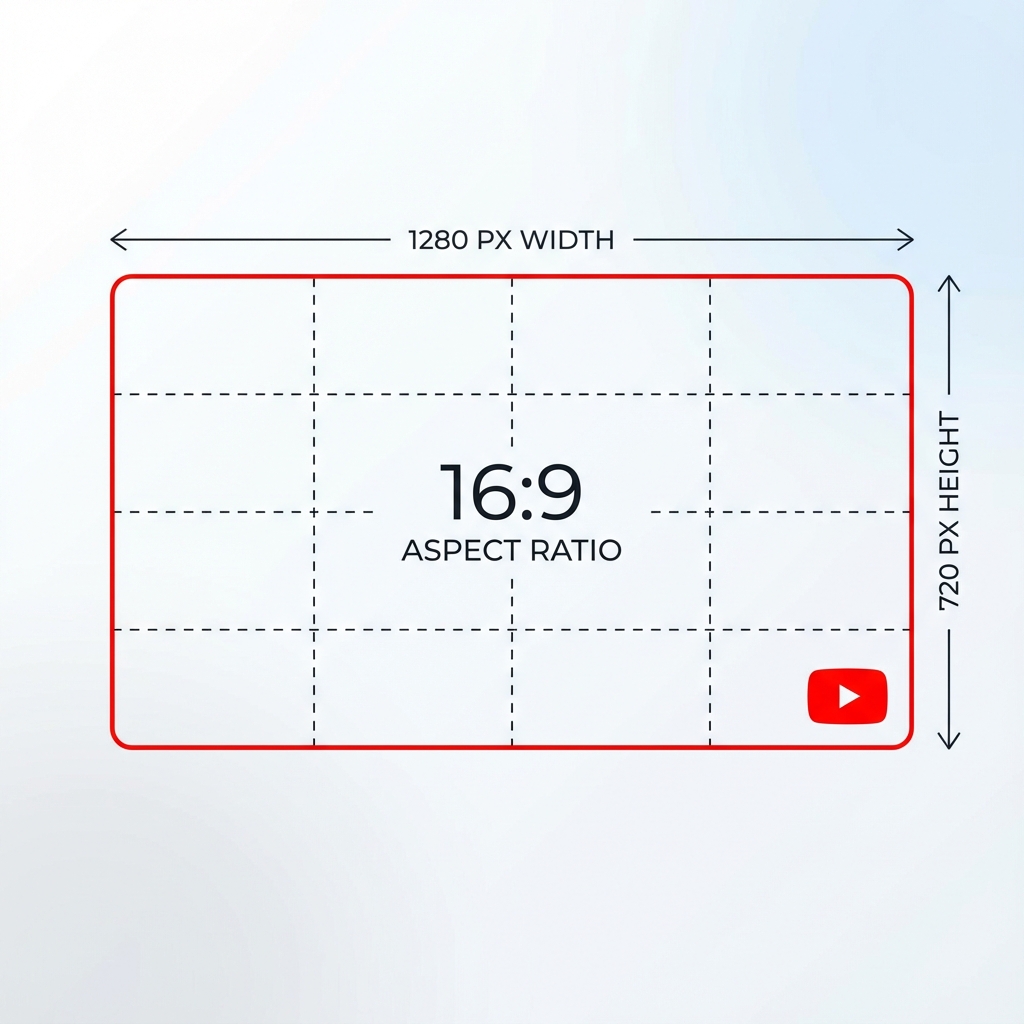
Creating the perfect YouTube thumbnail starts with using the correct dimensions. This guide covers everything about YouTube thumbnail sizes.
Recommended YouTube Thumbnail Size
The ideal YouTube thumbnail size is 1280 × 720 pixels with a 16:9 aspect ratio.
Quick Specs
- Resolution: 1280 × 720 pixels
- Aspect Ratio: 16:9
- Minimum Width: 640 pixels
- Maximum File Size: 2 MB
- Formats: JPG, GIF, PNG
All Available Thumbnail Sizes
| Quality | Dimensions | Use Case |
|---|---|---|
| Maximum Resolution | 1280 × 720 | Full-size, downloads |
| Standard Definition | 640 × 480 | Medium displays |
| High Quality | 480 × 360 | Search results |
| Medium Quality | 320 × 180 | Sidebar |
| Default | 120 × 90 | Small icons |
Download thumbnails using our free YouTube Thumbnail Downloader.
File Requirements
- JPG: Best for photos, smaller file size
- PNG: Best for graphics with text
- GIF: Accepted but not animated
YouTube Shorts Thumbnails
Shorts use vertical format (9:16). YouTube auto-selects a frame - you can't upload custom Shorts thumbnails yet.
Best Practices
- Always use 1280×720 for best quality
- Design for mobile first (70%+ of views are mobile)
- Avoid the bottom-right corner (video length overlay)
- Test at 120×90 to ensure readability
- Keep file size under 2MB
Common Mistakes
- Wrong aspect ratio causes cropping
- Low resolution looks blurry
- Text too small for mobile
- Important content in bottom-right corner