Stop Taking Blurry Screenshots: The Definitive Guide to Extracting HD Thumbnails in 2026
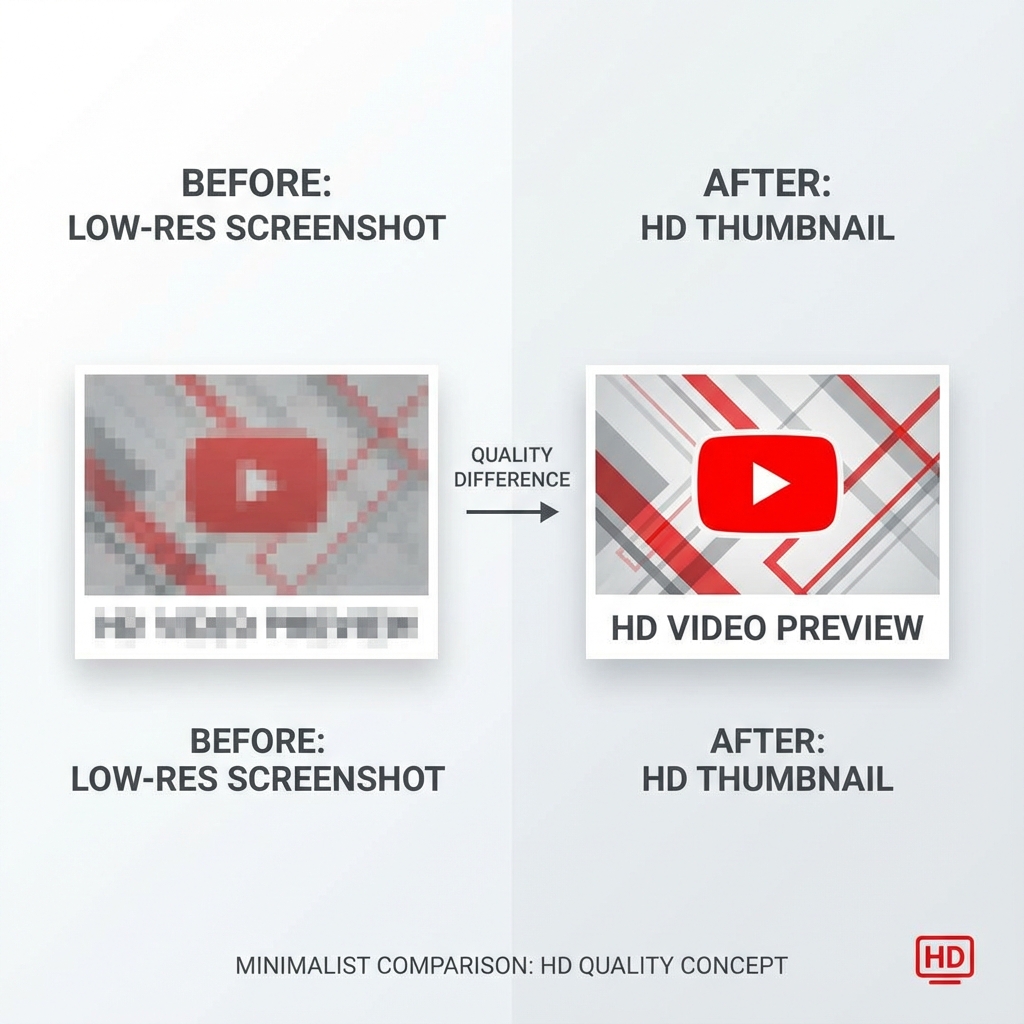
Why High Quality Thumbnails Matter for Digital Creators
I have a confession to make: I am a digital hoarder.
My hard drive contains thousands of meticulously organized images from top creators across every platform imaginable. I call it my "Swipe File," a curated collection of visual inspiration that has become my secret weapon for creating thumb-stopping content.
Whenever I see a piece of content that stops the scroll, I save it. I analyze the contrast ratios. I study the typography hierarchy. I obsess over the facial expressions, color psychology, and compositional techniques that make certain thumbnails convert at 10%+ click-through rates while others languish in obscurity.
But early on, I made a rookie mistake that cost me hundreds of hours of wasted effort.
I was taking screenshots.
The Screenshot Problem: Why Low Resolution Images Kill Your Creative Process
Screenshots seem convenient. You press a button, and boom, you've captured the image. But here's what you're actually getting:
- Platform UI overlays that clutter your reference material
- Timestamp bars and progress indicators that obscure crucial design elements
- Compression artifacts that destroy the subtle gradients and textures
- Reduced resolution that turns crisp text into pixelated mush when you zoom in
- Color profile mismatches that make accurate color matching impossible
If you want to build a serious inspiration library that actually improves your craft, you need the raw, high-definition source file—the exact asset the creator uploaded before platform compression mangled it.
I discovered there are three distinct methods to extract HD thumbnails from any video platform. No Photoshop wizardry required. No sketchy software installations. No expensive tools.
Here's exactly how to download high-quality thumbnails and build a professional-grade swipe file.
Method 1: The "Code Detective" Strategy: Extract Maximum Resolution Thumbnails
This is my favorite thumbnail extraction method. It makes you feel like a digital forensics expert, and it's the most reliable way to ensure you're getting the absolute highest resolution version available directly from the source code.
This technique works for any content you can view in a browser: YouTube videos, Vimeo content, social media posts, and more.
Step-by-Step Tutorial: How to Download HD Thumbnails from Source Code
Step 1: Open the Content Page
Navigate to the URL of the video or content whose thumbnail you want to extract. Make sure the page is fully loaded.
Step 2: Access the Page Source
Right-click anywhere on the blank white space of the page (not on the video player itself). From the context menu, select "View page source." Alternatively, use the keyboard shortcut:
- Windows/Linux:
Ctrl + U - Mac:
Cmd + Option + U
Step 3: Search for the Magic Keyword
A wall of HTML code will appear. Don't panic—you don't need to understand any of it. Simply use the browser's search function:
- Windows/Linux:
Ctrl + F - Mac:
Cmd + F
Type maxresdefault.jpg into the search box. This filename represents the maximum
resolution default thumbnail that platforms like YouTube use.
Step 4: Extract and Download
You'll see the search highlight instances of this filename within image URLs. The full URL will look something like:
https://i.ytimg.com/vi/VIDEO_ID/maxresdefault.jpg
Copy the complete URL, paste it into a new browser tab, and the full HD thumbnail will display. Right-click and select "Save image as" to download it to your computer.
Pro Tips for Advanced Thumbnail Extraction
- If
maxresdefault.jpgdoesn't exist (some older or low-quality uploads don't have maximum resolution versions), try these alternatives in order of quality:sddefault.jpg(standard definition at 640×480)hqdefault.jpg(high quality at 480×360)mqdefault.jpg(medium quality at 320×180)
- For Vimeo thumbnails, search for
thumbnailorog:imagein the source code - Save the URL pattern for your frequently visited platforms to speed up future extractions
Method 2: The "Two-Click" Solution: Automated Thumbnail Downloaders
Sometimes you don't have time to dig through HTML source code. Maybe you're building a mood board for a client presentation that starts in ten minutes. Perhaps you need to extract thumbnails from 50 videos for competitive analysis.
In these scenarios, automation is your best friend.
Best Free Thumbnail Downloader Tools in 2026
There's an entire ecosystem of web-based thumbnail extractors designed specifically for this purpose. These tools parse video URLs and extract thumbnails automatically without requiring any technical knowledge.
Popular options include:
- yt-thumbnail-downloader: Clean interface, no ads, supports batch processing
- ThumbnailSave: Offers multiple resolution options in one click
- Get YouTube Thumbnail: Simple, fast, mobile-friendly
How to Use Online Thumbnail Download Tools
The process is remarkably simple:
- Copy the video URL from your browser's address bar
- Paste it into the thumbnail downloader tool
- Select your preferred resolution (always choose the highest available)
- Click download and the HD thumbnail saves directly to your device
Most quality thumbnail extractors will parse the video metadata and offer you multiple resolution options: standard definition (SD), high definition (HD), and maximum resolution. Always select the maximum resolution option.
Thumbnail Downloader Tool Selection Criteria
When choosing a thumbnail extraction tool, prioritize:
- No registration required: Avoid tools that force account creation
- Batch download capability: Extract multiple thumbnails simultaneously
- Direct download links: Skip services that require you to watch ads first
- Multiple platform support: Look for tools that work across YouTube, Vimeo, TikTok, and other platforms
- Privacy-focused: Ensure the tool doesn't track your download history
Method 3: Recovering Your Own Uploaded Thumbnails
Here's a scenario that happens more frequently than most creators realize:
You uploaded a piece of content years ago. You switched computers. The external hard drive crashed. Now you desperately need that custom thumbnail you designed back in 2019 because you want to use the template again for a new campaign.
Don't recreate it from scratch.
If you own the content, the platform essentially acts as your cloud backup system. You just need to know where to look in the backend dashboard.
How to Retrieve Your Own YouTube Thumbnails
- Access YouTube Studio: Log into your YouTube account and navigate to YouTube Studio (studio.youtube.com)
- Locate Your Video: In the left sidebar, click "Content" to see all your uploaded videos
- Open the Details Editor: Click the pencil icon or the video title to enter the "Details" editing view
- Navigate to Thumbnail Section: Scroll down past the description and tags until you reach the thumbnail preview section
- Download the Original File: Click the three vertical dots (⋮) in the corner of the thumbnail preview. You'll see a "Download" option tucked away in that menu
Building a Professional Swipe File: Organization Best Practices
Extracting HD thumbnails is only half the battle. To maximize the ROI of your inspiration library, implement these organizational systems:
Folder Structure for Digital Inspiration
Create a hierarchical folder system:
Swipe File/
├── Thumbnails/
│   ├── High Converting/
│   ├── Color Psychology/
│   ├── Typography Heavy/
│   ├── Face Close-Ups/
│   └── Minimalist Design/
├── Ad Creatives/
├── Landing Pages/
└── Email Headers/
Metadata and Tagging System
Use file naming conventions that make searching effortless:
YYYYMMDD_Platform_Creator_Topic_Style.jpg
Example: 20260104_YouTube_MrBeast_Challenge_HighContrast.jpg
SEO Benefits of High-Quality Visual Assets
Using properly extracted HD thumbnails doesn't just improve your swipe file. It directly impacts your content performance:
Click-Through Rate Optimization
High-resolution thumbnails allow you to:
- A/B test subtle design variations
- Identify micro-elements that drive clicks
- Reverse-engineer competitor strategies with precision
- Create data-driven thumbnail templates
Cross-Platform Content Strategy
With HD source files, you can:
- Repurpose thumbnail designs across multiple platforms
- Maintain consistent brand identity at any resolution
- Adapt layouts for different aspect ratios without quality loss
- Create print materials from digital inspiration
Technical Considerations: Image Formats and Quality
Understanding image formats helps you maintain maximum quality:
JPEG vs. WEBP vs. PNG
- JPEG: Universal compatibility, good compression, slight quality loss
- WEBP: Superior compression, smaller file sizes, growing support
- PNG: Lossless quality, larger files, best for graphics with text
Resolution Guidelines
For professional use, aim for:
- Minimum: 1280×720 pixels (HD)
- Recommended: 1920×1080 pixels (Full HD)
- Optimal: 2560×1440 pixels or higher (2K/4K)
Legal and Ethical Considerations
While extracting thumbnails for personal inspiration and education falls under fair use in most jurisdictions, remember:
- Never republish extracted thumbnails as your own work
- Don't use competitor thumbnails in your own marketing materials
- Give credit when sharing design inspiration publicly
- Respect copyright and only use for analysis and learning
The Bottom Line: Stop Screenshotting, Start Extracting
Building a swipe file is one of the highest ROI activities you can do as a content creator. It trains your eye to recognize patterns. It helps you spot emerging trends before they become mainstream. It gives you a concrete reference point for quality that elevates everything you produce.
But you must treat your inspiration library with the respect it deserves.
Stop screenshotting. Stop settling for pixelated, UI-cluttered, compressed garbage. Get the source file. Keep your library crisp. Extract HD thumbnails using the methods outlined in this guide.
Your content quality and your click-through rates will thank you.
Extract HD Thumbnails Now
Use our free tool to download high-quality thumbnails from any YouTube video
Download HD Thumbnails Free →